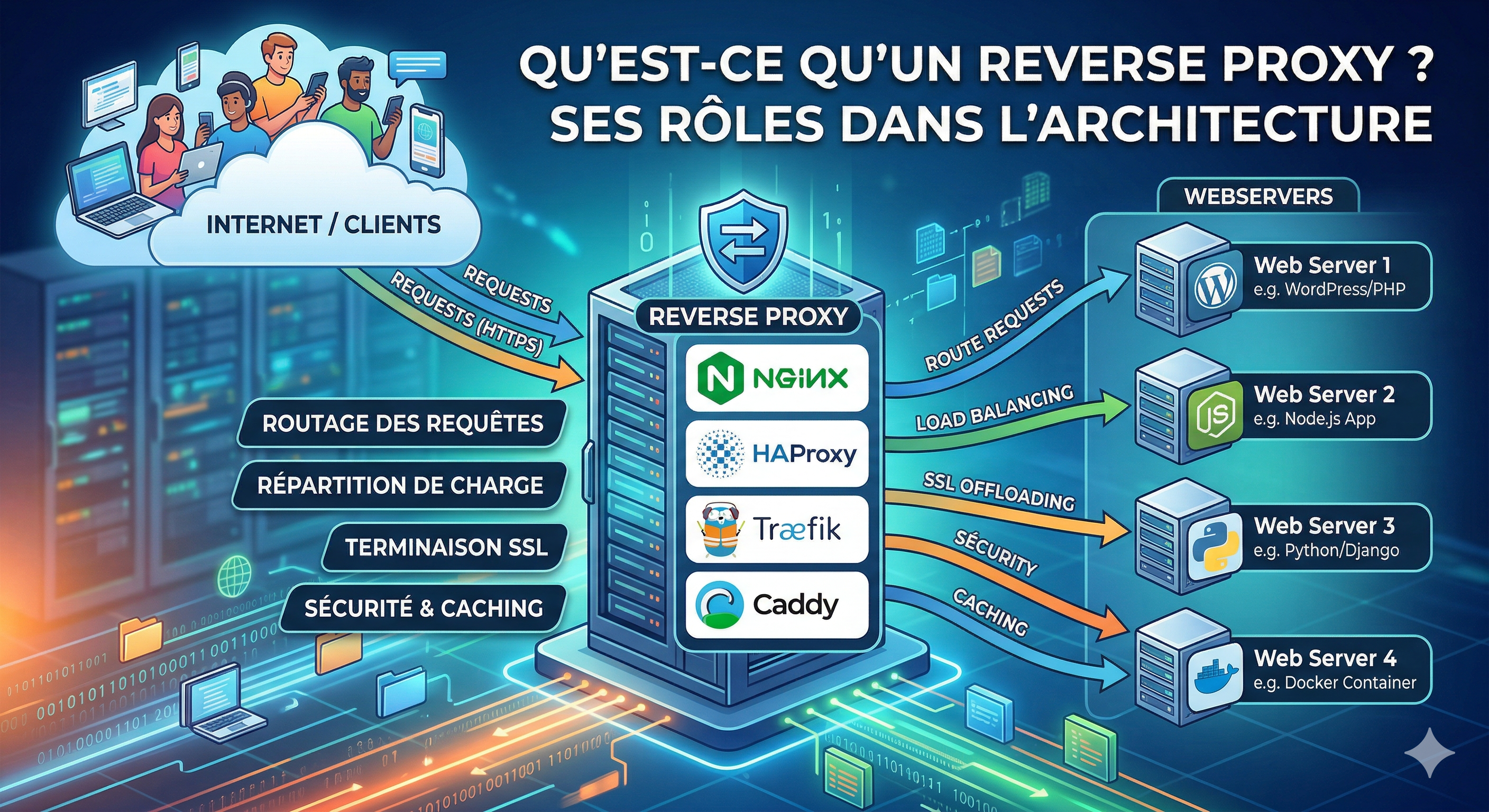
In this article, we will see how to create a K3s cluster and install ArgoCD on it to deploy our applications more easily.
What is K3s?
K3s is a lightweight Kubernetes distribution. It is a distribution of Kubernetes certified by the Cloud Native Computing Foundation (CNCF) with added functionalities for edge and IoT, but also perfect for small VPS.
Why don't we use K8s? Because K8s is too heavy for a VPS. For example, with an 8GB RAM and 4 vCPUs VPS, K8s can struggle to write logs correctly and crash. It's not optimized for small VPS.
K3s binary is just 478 MB, and we can reduce it more with UPX compression. It uses SQLite as a database by default instead of etcd. You can change the database with another one, but it is not recommended for simple setups. While K8S uses etcd and can use an external database, I prefer SQLite because it's just one file, lightweight, and easy to backup. We don't need an architecture like Netflix for just 2 or 3 apps...
How K3s works
K3s works like an enterprise: you have many people for lots of tasks, and if one person is absent, the work doesn't stop. You have:
- the Boss (control plane)
- the manager (K3s server)
- the team (workers)
You have many services for your application, mainly:
- Deployment: used to deploy your application with one or more containers (uses images based on Docker or Podman).
- StatefulSet: used to deploy your application when it needs to save its state/ID, typically for Databases (Mongo, Postgres, MariaDB...).
- DaemonSet: used to deploy your application on all the nodes (workers) in the cluster. Great for monitoring or logging agents.
- PersistentVolume: like a big bag where you can create storage for your data.
- PersistentVolumeClaim: like asking for a bag, you define the size and properties you want, and the system gives you one.
- Service: like a door to your cluster; you can expose your application inside the cluster or to the outside (ClusterIP, NodePort, LoadBalancer...).
- Ingress: like your front door; you can expose your application to the outside with a domain name and a path. The front door sends the request to the service.
- Ingress Controller: a service that manages the ingress (like Nginx, Traefik, HAProxy...).
- Namespace: like a box in your room; you can put your applications in different boxes to stay organized. It's like a directory for your application. You can set security rules for each box.
You can create these many "services" with a file called a "manifest". The manifest is just a YAML file that describes the desired state of your application.
You can run these services with the command kubectl apply -f
Install K3s
Now that you understand what K3S is, we can install it on our VPS and create a cluster with one node. I recommend using Ubuntu 22.04 or Debian 12/13 for the VPS.
To install your first cluster, you can use the command:
curl -sfL https://get.k3s.io | sh -
This command installs, creates, and configures everything you need for your cluster. It installs the control plane, the manager, and the team. You can add more nodes to add more resources to your cluster, or add more managers for high availability.
To be sure everything is ready, you can run this command after waiting about 30 seconds (to be sure everything is operational):
sudo k3s kubectl get node
If all is ready, you will see something like this:
NAME    STATUS   ROLES                  AGE   VERSION
node1   Ready    control-plane,master   30s   v1.27.3-k3s2
Congratulations, you have installed your first cluster with K3s!
For your information, K3s is delivered with an ingress controller called Traefik.
Traefik is a Cloud Native router used in many projects. In our case, we use Traefik because it's strong, lightweight, and well-integrated with K3s.
If you want to use another ingress controller, you can install it with a command (Nginx for example):
sudo k3s kubectl apply -f https://raw.githubusercontent.com/kubernetes/ingress-nginx/controller-v1.8.0/deploy/static/provider/cloud/deploy.yaml
You can check if the ingress controller is installed with:
sudo k3s kubectl get pod -n ingress-nginx
For Kubernetes, there are other Ingress controllers:
- Kong
- HAProxy
- Istio
And many others.
ArgoCD
What is ArgoCD?
ArgoCD is a declarative GitOps Continuous Delivery tool for Kubernetes. It is a CNCF project used to deploy and manage applications on Kubernetes clusters. It compares the desired state (in Git) with the current state in the cluster and takes action to reconcile the two.
How it works?
It's very simple: you have your repository in Git and ArgoCD will take the latest version and deploy it in your cluster. You can define the desired state in your repository and ArgoCD will take care of the rest.
It has a Web UI to see the state of your cluster and a CLI (Command Line Interface) to manage it from your terminal.
With these tools, you can manage your cluster, create projects, and rollback if you need to.
ArgoCD Installation
For HTTPS you need a domain name
If you want to use ArgoCD with HTTPS, you need a domain name pointing to your VPS IP. You can use it with HTTP, but it's not recommended for production.
Cluster Issuer
To use HTTPS with ArgoCD, you need a ClusterIssuer to generate SSL certificates.
kubectl apply -f https://github.com/cert-manager/cert-manager/releases/download/v1.13.3/cert-manager.yaml

# Wait until the 3 pods are running
kubectl get pods -n cert-manager
Create issuer and apply it
Create a file named cluster-issuer.yaml and apply it. In our case, we use Let's Encrypt and Traefik as the ingress controller.
apiVersion: cert-manager.io/v1
kind: ClusterIssuer
metadata:
  name: letsencrypt-prod
spec:
  acme:
    server: https://acme-v02.api.letsencrypt.org/directory
    email: your-email@email.fr
    privateKeySecretRef:
      name: letsencrypt-prod
    solvers:
      - http01:
          ingress:
            class: traefik
Apply the file:
kubectl apply -f cluster-issuer.yaml
Check if the issuer is ready
kubectl get clusterissuer
If the issuer is ready, you will see:
NAME               READY   AGE
letsencrypt-prod   True    2m
Install ArgoCD
kubectl create namespace argocd
kubectl apply --server-side -n argocd -f https://raw.githubusercontent.com/argoproj/argo-cd/stable/manifests/install.yaml
Optimization_Tip
We use --server-side because the manifest file is too big and can cause issues when applying it normally.
Patching ArgoCD for Insecure mode
By default, ArgoCD uses HTTPS with its own self-signed certificate. We want to patch it to allow insecure HTTP communication internally so our Ingress (with our real certificate) can talk to it easily on port 80.
kubectl patch configmap argocd-cmd-params-cm -n argocd --type merge -p '{"data": {"server.insecure": "true"}}'

kubectl rollout restart deployment argocd-server -n argocd
Expose ArgoCD with Traefik
Create a file named argocd-server-ingress.yaml:
apiVersion: networking.k8s.io/v1
kind: Ingress
metadata:
  name: argocd-server-ingress
  namespace: argocd
  annotations:
    cert-manager.io/cluster-issuer: letsencrypt-prod
    traefik.ingress.kubernetes.io/router.entrypoints: websecure
    traefik.ingress.kubernetes.io/router.tls: "true"
spec:
  rules:
    - host: argocd.yourdomain.fr
      http:
        paths:
          - path: /
            pathType: Prefix
            backend:
              service:
                name: argocd-server
                port:
                  number: 80
  tls:
    - hosts:
        - argocd.yourdomain.fr
      secretName: argocd-server-tls
Apply it:
kubectl apply -f argocd-server-ingress.yaml
Check if the ingress and certificates are ready
kubectl get ingress -n argocd
You should see your host and the IP address. Then check the certificate:
kubectl get certificate -n argocd
If READY is True, you are good!
Get the initial admin password
kubectl -n argocd get secret argocd-initial-admin-secret -o jsonpath="{.data.password}" | base64 -d; echo
First login to ArgoCD
Go to https://argocd.yourdomain.fr (replace with your domain).
Credentials:
Username: admin
Password: [THE_PASSWORD_FROM_PREVIOUS_STEP]
After connecting, you will see your empty dashboard:
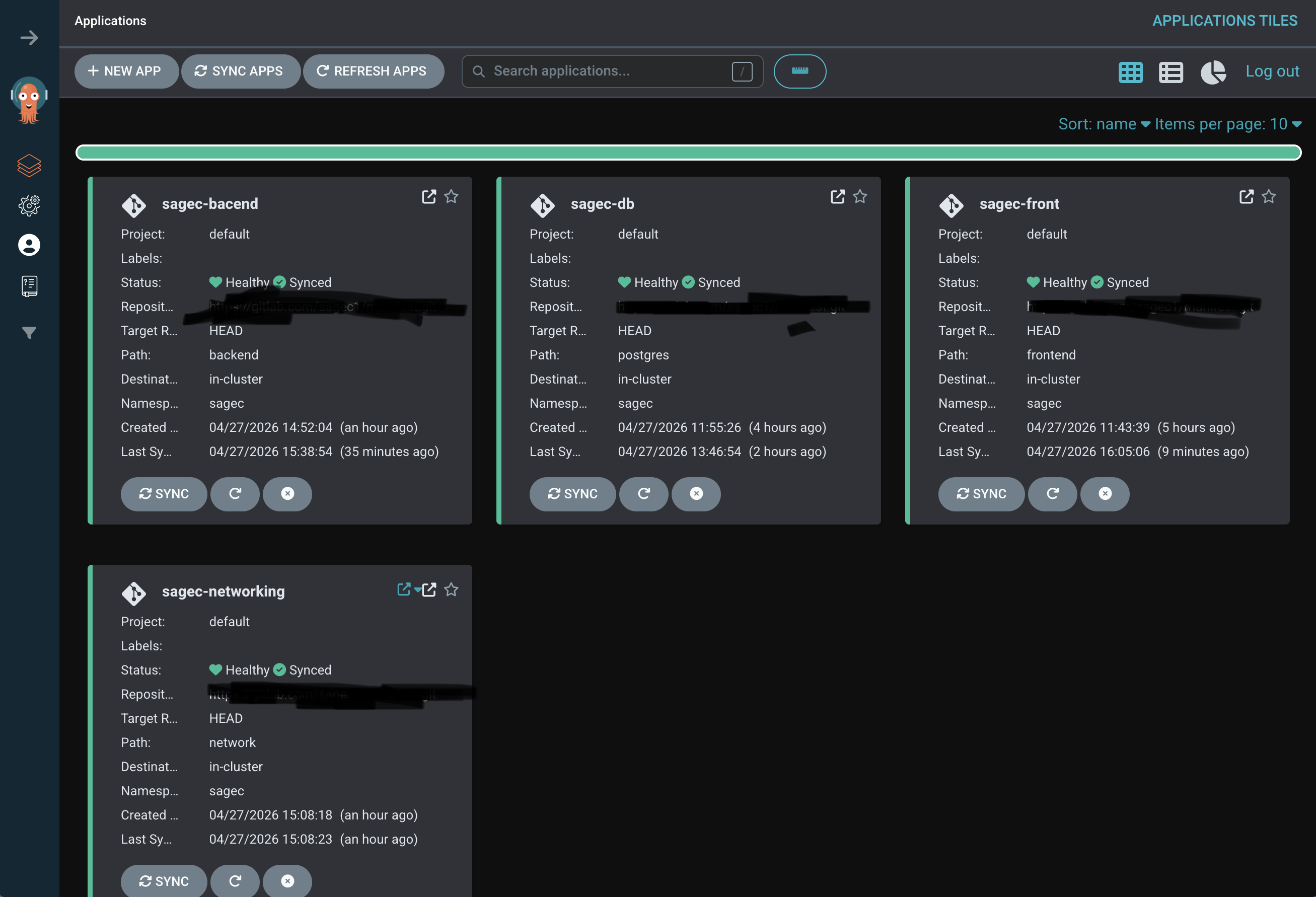
Congrats! You have successfully installed ArgoCD on your K3s cluster. You can now start deploying your applications using GitOps!